+1 (213) 715-5368
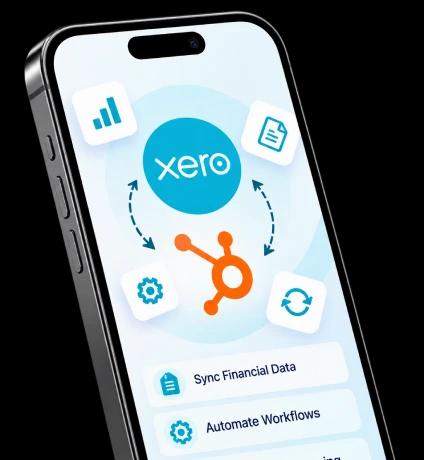
Connect Xero with your business systems to sync financial data, automate workflows, customize data mapping, and manage information between platforms with greater control.
Custom integration designed around your data, processes, and synchronization needs.
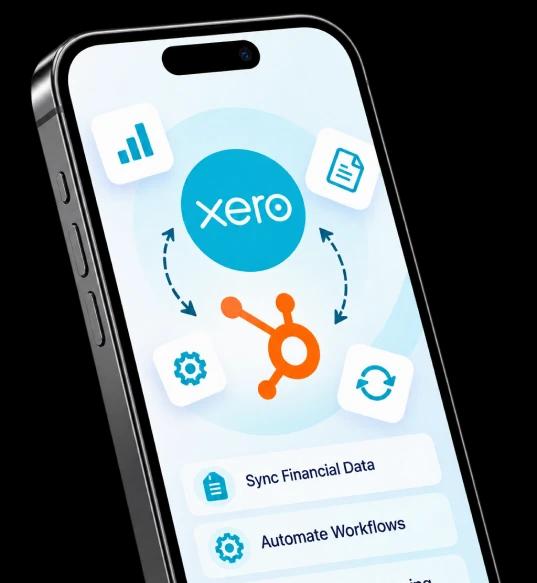
Sync supported data between Xero and connected systems with flexible synchronization directions.
Map fields your way and validate required data before synchronization.
Prevent duplicate records and retry failed synchronizations when needed.
Manage sync jobs with status tracking, failure handling, and controlled processing.
Sync invoices, payments, customers, companies, products, and services across systems.
Control what gets synced and track synchronization activity, errors, and retry history.
Connect Xero with your business systems and create workflows that help your teams manage financial and customer data with less manual effort.

Keep information moving between connected systems without repeatedly entering the same data across platforms.

Give teams access to connected customer, invoice, payment, and product information across their workflows.

Connect invoice-related activities with your existing business processes and reduce repetitive administrative work.

Use validation, mapping, and duplicate checks to help maintain cleaner and more consistent records.

Process larger amounts of information through workflows designed around your business requirements.

Track synchronization activity and identify issues that need attention without losing visibility into your data flow.
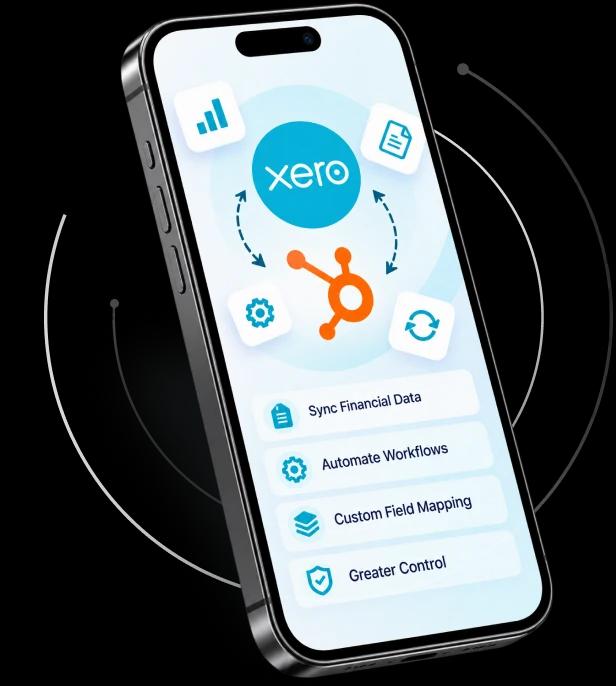
Connect Xero with your business systems and set up the required account access for synchronization.
Set up field mapping, synchronization preferences, workflows, and rules based on your business requirements.
Start syncing supported data between your connected systems while monitoring activity and managing synchronization issues.
Take control of your Xero data with a custom integration built around your business processes. Connect your systems, configure your workflows, and manage your financial data from a connected setup.
Install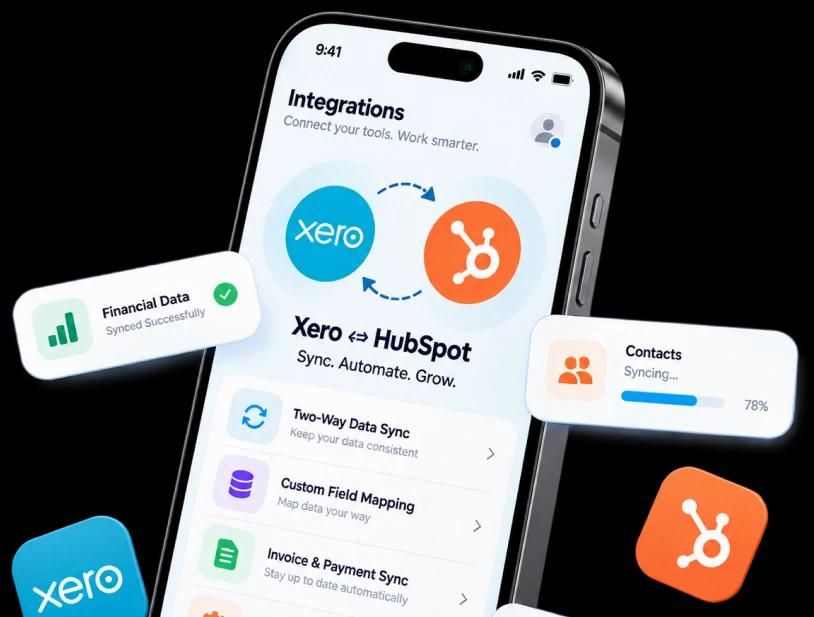
Our plans are structured in tiers, with each higher plan including the capabilities of the previous plan plus additional field mapping and synchronization flexibility.

Connect Xero with your application to sync financial data, customize field mapping, automate workflows, and maintain better control over your business data.
Connect QuickBooks Online with HubSpot to sync financial data, automate workflows, and control how your data moves between both platforms.