SEO Writing Technical Writing

HubSpot API Migration Guide: How to Prepare for Legacy API End-of-Support in 2027

Author
By Vedanshi

Published On:2026-10-14

0
View:0
singleblog

Your HubSpot integration may be working perfectly right now. Data syncs, contacts update, and business workflows run as expected. But what happens when the API your integration depends on moves out of support?

HubSpot is moving away from legacy numbered API versions toward date-based versioning. For businesses that rely on custom HubSpot Development, this means older APIs and app architectures need to be reviewed and updated before the 2027 deadlines.

Delaying the work can leave integrations without ongoing fixes, stability guarantees, or support. The best approach is to identify affected systems early, understand what needs to change, and test the updated setup before deployment.

This guide explains the key deadlines, how to check your current setup, and the steps to prepare for a smoother HubSpot API migration.

What Is Changing With HubSpot's Legacy APIs?

HubSpot is introducing date-based API versioning. Instead of numbered versions such as /v1/, /v2/, /v3/, and /v4/, newer APIs use a format such as /2026-03/, based on the release date.

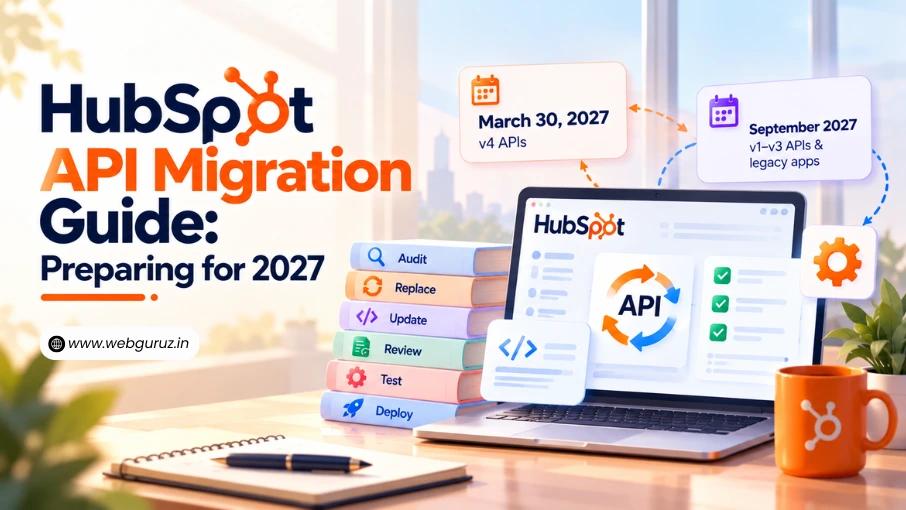
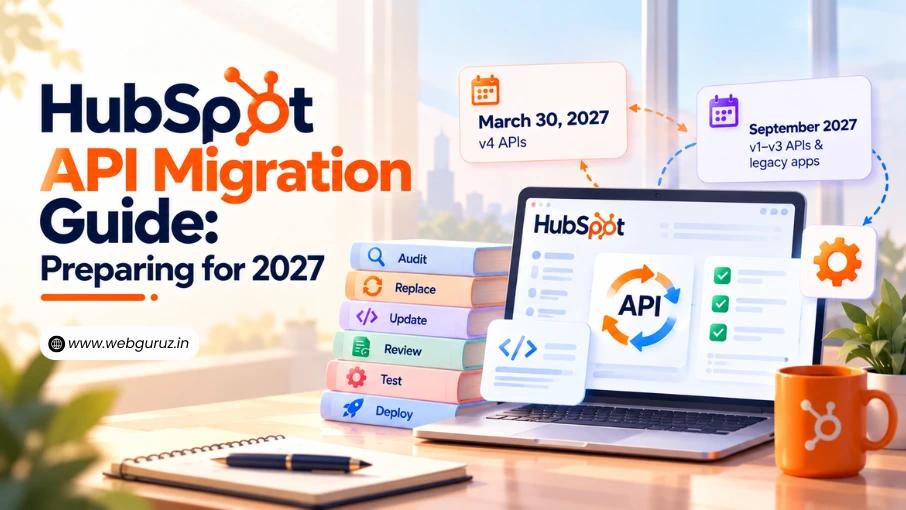
HubSpot announced separate timelines for legacy API versions and app architecture.

Component Key deadline What it means
v4 APIs March 30, 2027 Move to unsupported status
v1-v3 APIs September 2027 Move to unsupported status
Legacy public and private apps September 2027 Migrate to the supported app architecture

After an API version becomes unsupported, it may continue working for some time, but HubSpot no longer guarantees ongoing fixes, stability, or availability. Businesses should not rely on that continued operation.

Check the official HubSpot v4 API announcement and the legacy API and app migration announcement for the latest requirements.

How to Check Whether Your HubSpot Integration Is Affected

Before changing code, find out which systems use legacy APIs. An integration may include more than the main application. Scheduled jobs, custom scripts, middleware, and third-party tools can also make API calls.

Start with these checks:

  • Review your apps: List public apps, private apps, and internal integrations connected to HubSpot.
  • Check API usage: Look for legacy endpoints in your code and configuration.
  • Review Developer Home: Check the available migration indicators and tasks for affected apps.
  • Identify dependencies: Record which business processes rely on each integration.
  • Assign ownership: Make sure someone is responsible for each affected system.

HubSpot’s migration indicators can help identify apps making legacy API calls at runtime. However, a dashboard is only a starting point. Review your own code, logs, and connected systems to find dependencies that may not be obvious.

Your HubSpot API Migration Roadmap

HubSpot API Migration Roadmap

Once you understand the scope, follow a structured migration process instead of updating endpoints at random. A clear plan helps you identify dependencies, prioritize critical integrations, and test changes before deployment. Businesses managing several connected systems may also benefit from HubSpot Migration Services to assess their existing setup and plan the technical work.

Step 1: Create an Inventory of Legacy API Calls

Record every affected endpoint, the app that uses it, its business purpose, and the team responsible for maintaining it.

Prioritize integrations that support essential activities, such as contact syncing, deal updates, reporting, or customer-facing workflows. Then order the work by deadline: start with anything using v4 APIs, which become unsupported on March 30, 2027, before moving on to v1-v3 APIs and legacy apps due in September 2027.

Step 2: Identify the Supported Replacement

Review HubSpot’s API documentation to find the date-based version that supports the required functionality.

Do not assume that replacing /v3/ with /2026-03/ will always work. For example, a request to retrieve contacts changes like this:

Legacy: GET https://api.hubapi.com/crm/v3/objects/contacts

Date-based: GET https://api.hubapi.com/crm/objects/2026-03/contacts

The version moves from after /crm/ to after /objects/, so a simple find-and-replace would produce an invalid URL. Other endpoints may also differ in request formats, response fields, or behavior, so check the documentation for each endpoint before updating the integration.

HubSpot has indicated that replacement guidance for some legacy endpoints will be released as part of the March 2027 date-based API release. Check the developer changelog regularly where a replacement is not yet documented.

Step 3: Update the Integration Code

Once you identify the correct replacement, update the relevant API calls and adjust the application logic where needed.

Review authentication, permissions, error handling, pagination, and rate-limit handling as part of the change. These details can affect whether an integration works reliably after migration.

Businesses with complex custom applications may need a certified HubSpot developer to review the code, resolve compatibility issues, and implement the required changes.

Step 4: Review App Architecture

API version migration and app migration are related but separate tasks. Updating your API calls does not move a legacy app onto HubSpot’s current Projects-based developer platform.

To check which apps are affected, go to Development > Legacy apps in your HubSpot account. Apps on the Projects model are configured in code and deployed through the HubSpot CLI, and HubSpot provides an hs app migrate command to help move eligible apps across.

Authentication may also change. For example, some private app integrations may move to Service Keys, so note where each app’s credentials are stored before migrating.

Step 5: Test the Complete Workflow

Test more than whether an API returns a successful response. Confirm that the full business process works as expected.

For example, if an integration syncs contacts between HubSpot and another platform, check that records are created correctly, existing records update as expected, and errors are handled properly.

Step 6: Deploy and Monitor

Deploy changes in a controlled way. Monitor API errors, failed syncs, missing records, and workflow performance after release.

Keep a recovery plan ready in case the updated integration causes unexpected issues.

API vs. App Migration Comparison

An API is the interface an application uses to exchange data or request actions. An app is the software that uses that interface.

This distinction matters because a business can update its API calls while still running an outdated app architecture. It can also migrate its app architecture while continuing to use unsupported API versions.

Both requirements need separate checks.

For businesses with custom CRM workflows, HubSpot CRM Development may involve reviewing data exchanges, record associations, authentication, and integration logic. If a website or custom module depends on affected APIs, include those dependencies in your assessment as well.

Common Migration Mistakes to Avoid

A few preventable mistakes can make migration more difficult:

  • Changing only the endpoint URL: Request and response behavior may also change.
  • Missing background integrations: Scheduled tasks and scripts may still use legacy APIs.
  • Testing individual calls only: A successful response does not prove that the full workflow works.
  • Ignoring app architecture: API changes and app migration may require separate work.
  • Waiting until the deadline: Late migration leaves less time to resolve unexpected issues.
  • Skipping post-launch monitoring: Problems may appear only when real business data passes through the integration.

A careful implementation plan should include ownership, testing, deployment, and monitoring rather than treating migration as a simple code update.

When to Seek Professional HubSpot Support

Some migrations are straightforward, while others involve multiple applications, custom code, complex data flows, or limited internal development resources.

Professional migration services can help businesses assess dependencies, plan the work, update integrations, and validate results. HubSpot CRM Solutions may also be relevant when API changes affect wider CRM processes.

The level of support needed depends on the complexity of your setup. The first step is to understand what you have, what is affected, and what must change.

Final Thoughts

HubSpot’s move to date-based API versioning makes version management more predictable, but businesses still need to prepare their existing integrations for the transition.

Start by checking your API usage and app architecture. Identify the affected systems, review the supported replacements, test complete workflows, and plan deployment before the relevant deadlines.

The most important step is to begin with an audit rather than wait for an integration to fail. Whether your team handles the work in-house or with the help of HubSpot Services, early preparation gives you more time to address technical issues and protect the business processes that depend on HubSpot.

Frequently Asked Questions

1. When will HubSpot’s legacy APIs become unsupported?

HubSpot has announced March 30, 2027, for v4 APIs and a September 2027 timeline for v1–v3 APIs and legacy apps. Check HubSpot’s official developer changelog for the latest requirements.

2. How do I know if my HubSpot integration uses a legacy API?

Review your app configuration, API endpoint URLs, code, and integration logs. HubSpot’s developer tools may also provide migration indicators for affected apps.

3. Is API migration different from app migration?

Yes. API migration involves moving from legacy endpoints to supported versions. App migration involves updating the app’s architecture or development setup. Depending on your integration, you may need to complete both.

4. Will migrating a HubSpot app affect authentication?

It can. Private apps using access tokens and public apps using OAuth have different authentication requirements. Review token storage, permissions, scopes, and authorization flows before making changes.

5. How long does HubSpot API migration take?

The timeline depends on the number of integrations, the complexity of the code, authentication requirements, and testing needs. A simple integration may take hours or days, while a complex custom app may require several weeks of work.

Author
WRITTEN BY:
Vedanshi
82

Vedanshi Sharma is a passionate content writer and editor who believes every brand has a story worth telling, and she's here to tell it right. She works closely with marketing teams to craft content that goes beyond the surface, blending technical depth with a narrative pull that keeps readers hooked.

View all Articles by Vedanshi
  • Forte:SEO Writing, Technical Writing
  • Likes: 0
  • Wannabe: Archeologist
  • Social:
  • Biggest Blunder Committed: None as yet.
Need Help Preparing for HubSpot's API Changes?Talk to our HubSpot development expert
img1
  • Vedanshi

  • 2026-10-14

  • 7 min read

HubSpot API Migration Guide: How to Prepare for Legacy API End-of-Support in 2027

Your HubSpot integration may be working perfectly right now. Data syncs, contacts update, and business workflows run as expected.

Read More
img2
  • Vedanshi

  • 2026-10-09

  • 7 min read

How to Use HubSpot AI Agents to Automate Sales, Marketing, and Customer Support

A sales team spends hours researching prospects. Marketing repeats the same tasks across campaigns.

Read More
img3
  • Vedanshi

  • 2026-10-07

  • 7 min read

HubSpot UNBOUND 2026: Key Announcements, AI Trends, and What They Mean for Businesses

HubSpot UNBOUND 2026 sent a clear message to businesses: growth is becoming more connected.

Read More